iOS app
The App Store listing supports iPhone and iPad and requires iOS/iPadOS 15.0 or later.
AI productivity assistant app
Productivity AI assistant app for chat, writing, web search, voice input, summaries, language learning, meal planning, image generation, and photo restyling.
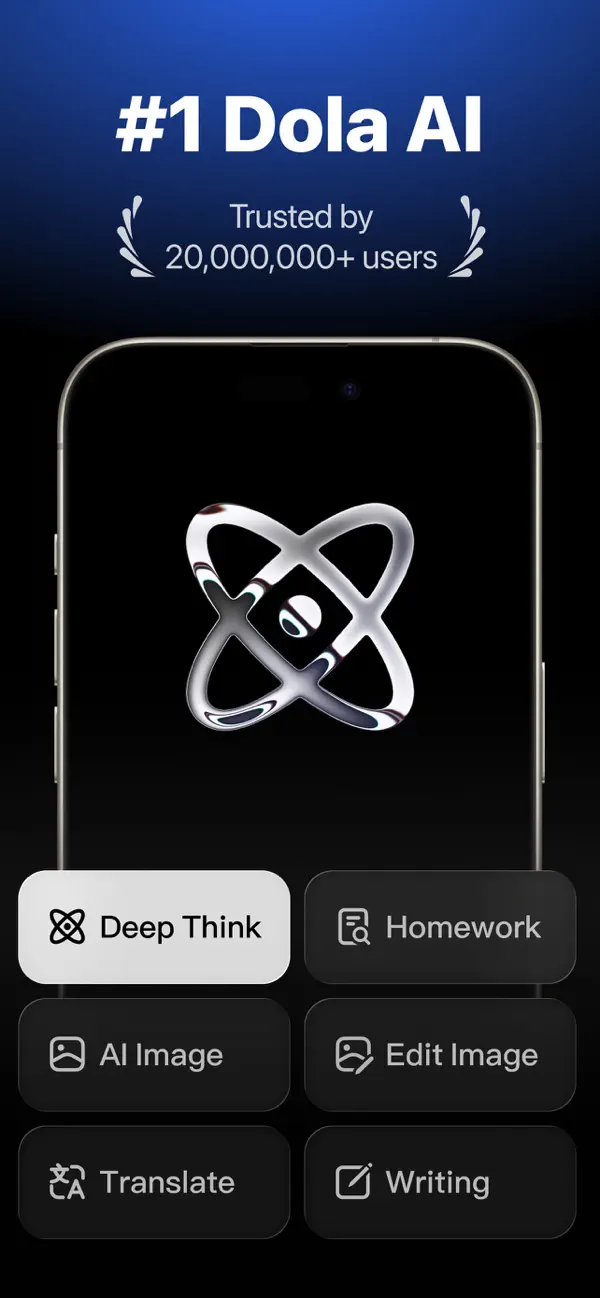
Dola is a Productivity app by SPRING(SG)PTE.LTD. for iPhone and iPad.
The App Store listing positions Dola as an all-in-one AI assistant for writing, thinking, creating, and searching with AI.
The product includes chat, voice input, report drafting, meeting and article summaries, language learning, trip planning, meal planning, recipe discovery, organization, AI art generation, image editing, and photo restyling.
This case study documents Dola: Smart AI Assistant as a ai productivity assistant app project with a focus on the product behavior, user-facing workflows, and technical delivery considerations that matter when building a similar application. The work is listed under the role of Mobile App Research and Product Analysis, so the page is written around practical implementation responsibilities rather than a generic showcase description.
The main product scope centers on AI chat experience for writing, thinking, planning, and general assistant workflows. Voice input for hands-free prompts and faster interaction. Meeting and article summarization for study, work, and research tasks. Web search and answer flows for current information discovery. These details show the type of screen design, state management, data handling, integration work, and release planning required for the project. For portfolio visitors comparing mobile and web products, this gives a clear view of what had to work in the real application, not just the visual surface.
The delivery stack includes iOS app, AI assistant, Voice input, Web search, Image generation, Productivity. In this project, the technical choices were tied to the product requirements: reliable user journeys, maintainable UI components, predictable data flow, integration with external services where needed, and support for production behavior across the target devices or web surfaces.
The screenshots, links, features, and technology notes on this page are kept together so search engines, clients, and collaborators can understand the project in context. The goal is to make the page useful for people evaluating experience in ai productivity assistant app, app development, software engineering delivery, and product engineering work.
The technology stack below summarizes the major implementation areas behind Dola: Smart AI Assistant. Each item is included because it connects directly to a product need such as cross-platform delivery, backend data exchange, payment or account behavior, app-store readiness, localization, real-time updates, or internal workflow management.
The App Store listing supports iPhone and iPad and requires iOS/iPadOS 15.0 or later.
Core product experience covers chat, writing, planning, summarization, and creative workflows.
Users can talk or type, supporting faster prompt entry across assistant tasks.
Official screenshots and listing text show web search as part of the AI assistant experience.
The listing describes creating AI art from text or photos across different visual styles.
The App Store listing includes subscription billing managed through Apple account settings.
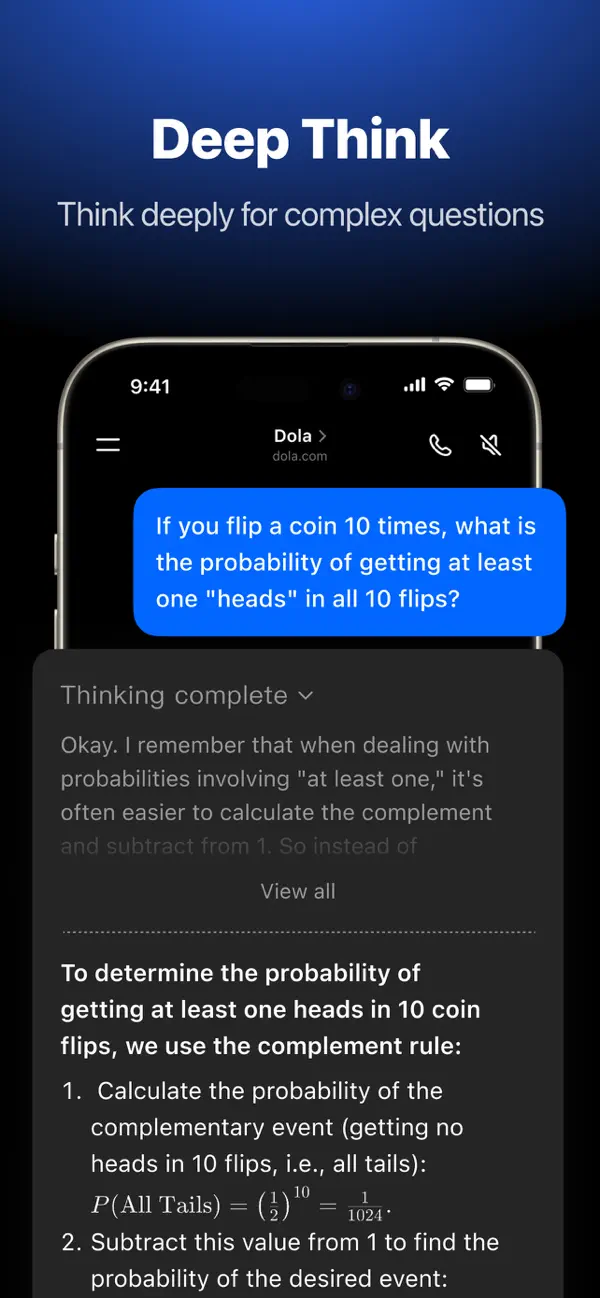


The engagement scope for Dola: Smart AI Assistant was shaped by the product category, the target users, and the operational expectations behind the app. A ai productivity assistant app needs more than screens: it needs stable navigation, clear feedback states, resilient data loading, accessible content structure, and enough technical flexibility to evolve as product requirements change.
From an engineering perspective, the important work is connecting the visible product experience to the systems behind it. For Dola: Smart AI Assistant, that means treating features such as AI chat experience for writing, thinking, planning, and general assistant workflows. Voice input for hands-free prompts and faster interaction. Meeting and article summarization for study, work, and research tasks. as complete workflows with edge cases, loading states, error handling, and release implications. These are the details that make a portfolio project useful for judging delivery quality.
Public references for this page include App Store listing and Developer website, which help ground the portfolio detail in real product material. The page also links to related projects that share technologies or product patterns, making it easier to compare similar React Native, Expo, Next.js, dashboard, ecommerce, marketplace, and mobile app work.